Let staff help without handing over the keys.
This is the feature owners ask about most, and where most ledger apps stop at "shared or not shared". MoneyBook goes a lot further.
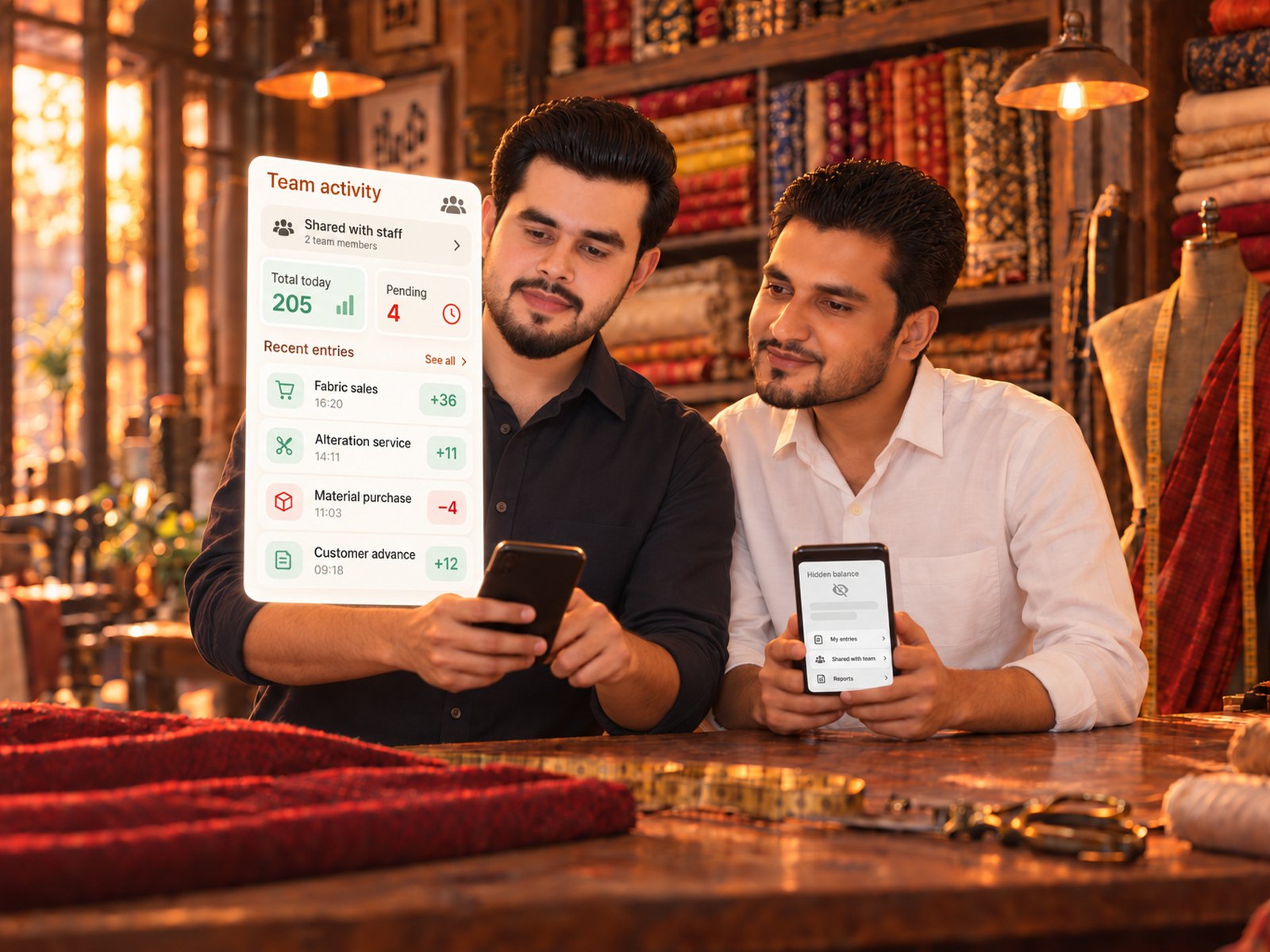 team.jpg · 2000×1000
A book nobody is named on is invisible.
Access is not a switch for the whole business. You name people on each book, and a book they are not named on simply does not exist for them — not greyed out, not locked, absent.
Three roles per book: a viewer reads, an operator records cash in and out and adds contacts, a book admin edits, deletes and manages the book.
| In one book | Viewer | Operator | Admin |
|---|---|---|---|
| See entries | ✓ | ✓ | ✓ |
| Add cash in / out | — | ✓ | ✓ |
| Edit & delete entries | — | — | ✓ |
| See running balance | ✓ | your choice | ✓ |
| See others' entries | ✓ | your choice | ✓ |
| Backdate an entry | — | your choice | ✓ |
Decide what an operator can see, not just do.
Per book, you set the operator policy. These are the questions an owner actually worries about, answered with a switch:
- May they backdate an entry?
- May they edit only their own entries?
- Should the running balance be hidden from them?
- Should other people’s entries be hidden?
A shop assistant can record sales all day and never see the day's takings, never alter yesterday, and never see what the other assistant wrote.
The rules run on our servers.
The app hides what a person may not do — but the server is what refuses it. A modified app, a replayed request, a clever workaround: the write is rejected and rolled back on the device. That is the difference between a permission system and a polite suggestion.
- Every entry carries the name of who wrote it
- The activity log is written by the server, not the person being logged
- Sixteen granular permissions underneath the three roles
- Invite by email, or in-app if they already use MoneyBook
Good to know
Can a staff member see the other books in my business?
Only the ones you name them on. Everything else is invisible to them — it does not appear in their app at all.
What is the difference between an employee and an admin?
An admin has every permission across the business except deleting it. An employee has exactly the book roles you grant and nothing more.
Can I change someone’s access later?
Yes, at any time, and it applies on their next sync — usually within seconds. Remove them and the business disappears from their app.
Does the person need their own MoneyBook account?
Yes — access is tied to their own sign-in, so nobody shares a password. If they already use MoneyBook, they are invited inside the app with a notification; if not, they get an email with a link and the app.
Open your first book in about a minute.
No card, no sales call, nothing to cancel.