An offline expense tracker that works with no internet.
Most apps pretend to work offline. MoneyBook is built the other way round: it assumes there is no signal and is pleasantly surprised when there is.
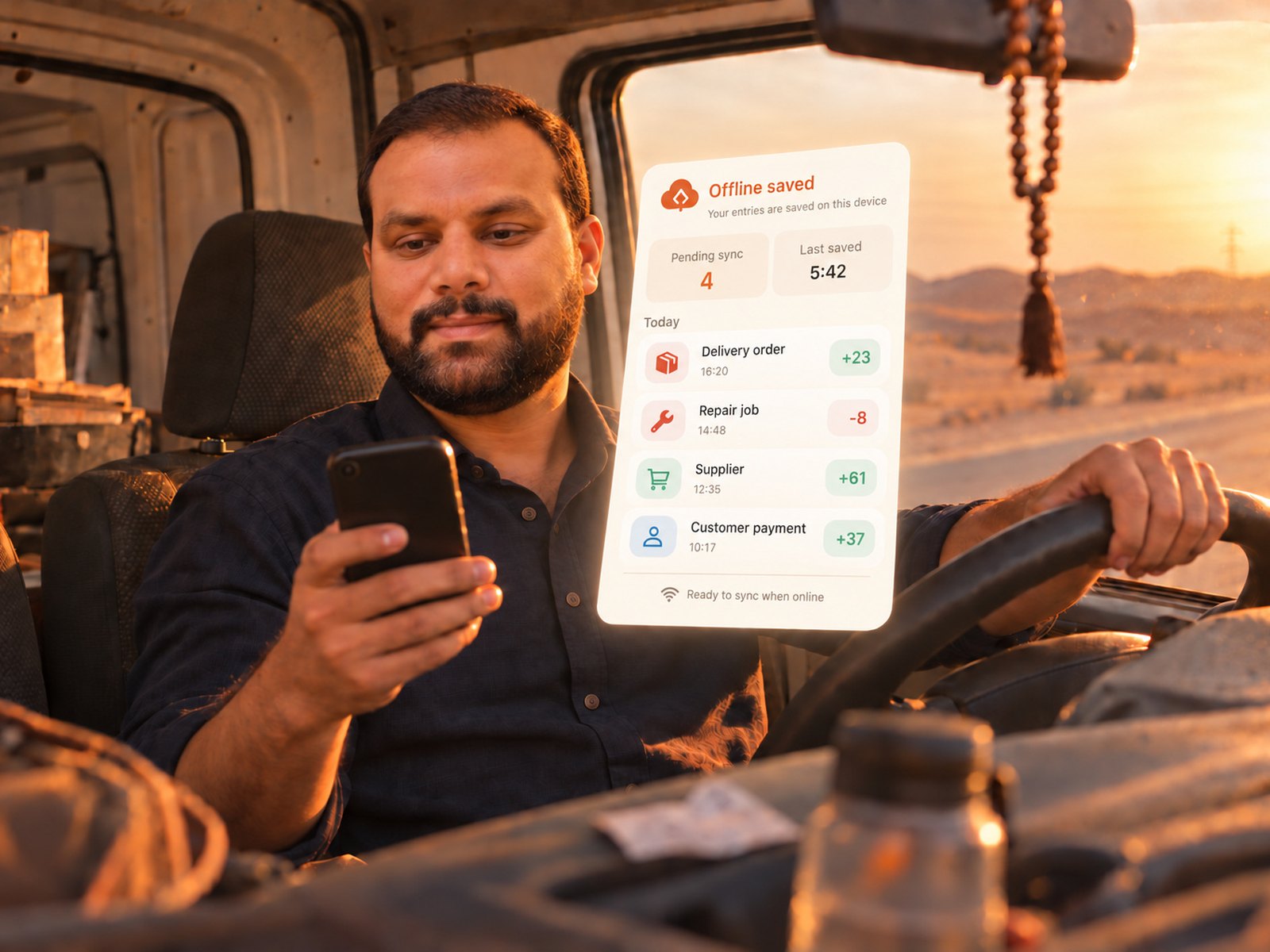 offline.jpg · 2000×1000
The book lives on the phone, not on our server.
Every entry is written to your phone's own storage the instant you tap Save. Nothing spins, nothing waits. Later — a minute or a week — the phone sends what changed to our server and fetches what changed elsewhere.
The one moment that needs a connection is creating your account, once. After that, a dead zone is just a dead zone.
- Counter sales+ 2,400.00
- Tea & supplies− 65.00
- Kareem — part payment+ 900.00
All three are in your book. They reach your other devices by themselves.
Nothing is lost when two people write at once.
Every entry gets its own unique id on the device that made it, so two phones working offline cannot collide. When both come back online, both sets of entries land in the book.
- A delete on one phone never returns from another
- The most recent edit to an entry wins, per field
- Your other devices update without anyone pulling to refresh
You stop thinking about it.
The van, the basement storeroom, the market with no coverage. You record the sale and put the phone away. That is the whole experience — the syncing is our problem, not yours.
- No "retry" buttons, no "waiting for network"
- Photographs of bills upload quietly in the background
- The web app shows the same book, live, once the phone has synced
Good to know
Does the web app work offline too?
No — the browser version holds your ledger in memory and goes read-only until the connection returns. The phone app is the one built for no-signal work; the web app is for the desk.
What if I lose the phone before it syncs?
Entries that never reached our server are only on that phone. Syncing happens automatically the moment there is signal, so in practice the window is minutes — but a lost, never-synced phone is the one case we cannot recover.
Do I need to press sync?
No. It runs when the app opens, when you make a change, and when a signal returns. There is a Sync now button in Settings if you want to watch it happen.
Open your first book in about a minute.
No card, no sales call, nothing to cancel.